Your things stay on your computer.
DiverseConnect is built so that what you do in it never leaves your computer. Here’s how it works, and how to check it yourself.
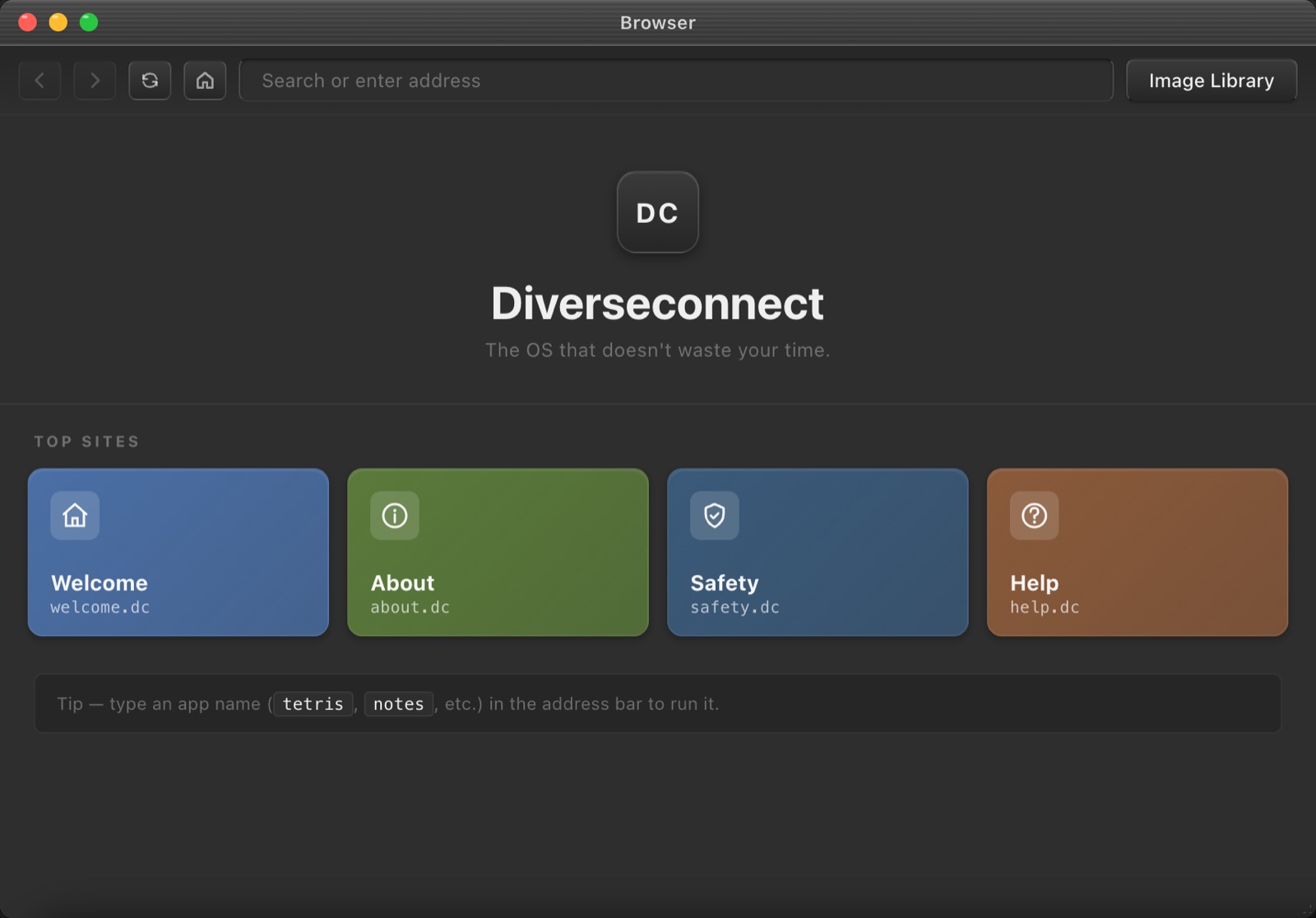
Read safety.dc, the full Safety page inside the app, word for word.
The internet is switched off, twice.
First, a rule tells every app it may only connect to DiverseConnect itself. Second, a guard cancels any web request an app tries to make anyway, so even a bug can’t get out.
This is the real code, from the file that starts DiverseConnect.
// Rule 1 and 2: the apps never reach the internet. Pictures and connections only come from
// DiverseConnect itself (including attached image packs) and files the user opens.
"img-src 'self' blob: data:",
"connect-src 'self' blob: data:",
…// Second lock behind the content policy: cancel every web request a page makes, so no app
// (or bug in one) can reach the internet. Update checks run in this main process, not in a
// page, so they carry no webContents and pass. Image packs on a network drive are read as
// files by the main process and are not web requests at all.
storage.webRequest.onBeforeRequest({ urls: ['http://*/*', 'https://*/*', 'ws://*/*', 'wss://*/*'] },
(details, callback) => callback({ cancel: details.webContentsId !== undefined }));The only times DiverseConnect connects.
These run in DiverseConnect itself, never in an app, and each one tells you first.
Updates
Checking for an update and downloading it.
Asks firstBug reports
Sending the details of something that went wrong.
Only if you say yesSend Issue
Sending a question, problem or idea you wrote.
Only when you click SendPaid modules
Activating one online, if you pick that over a code.
Asks firstOn your side of the wall.
What you make stays with you. With the password lock on, it’s encrypted with AES‑256, and only your password opens it.
Your notes, photos, videos, files and music
No app can reach it. No account, no tracker, no ad on the other side.
Open safety.dc.
Inside DiverseConnect, open the Browser and go to safety.dc. It explains everything on this page and quotes the actual code that does it.
No trackers here either.
This site has no analytics, no ads, no trackers and no cookies. It only loads its own files. When you buy, the checkout page is Stripe’s.