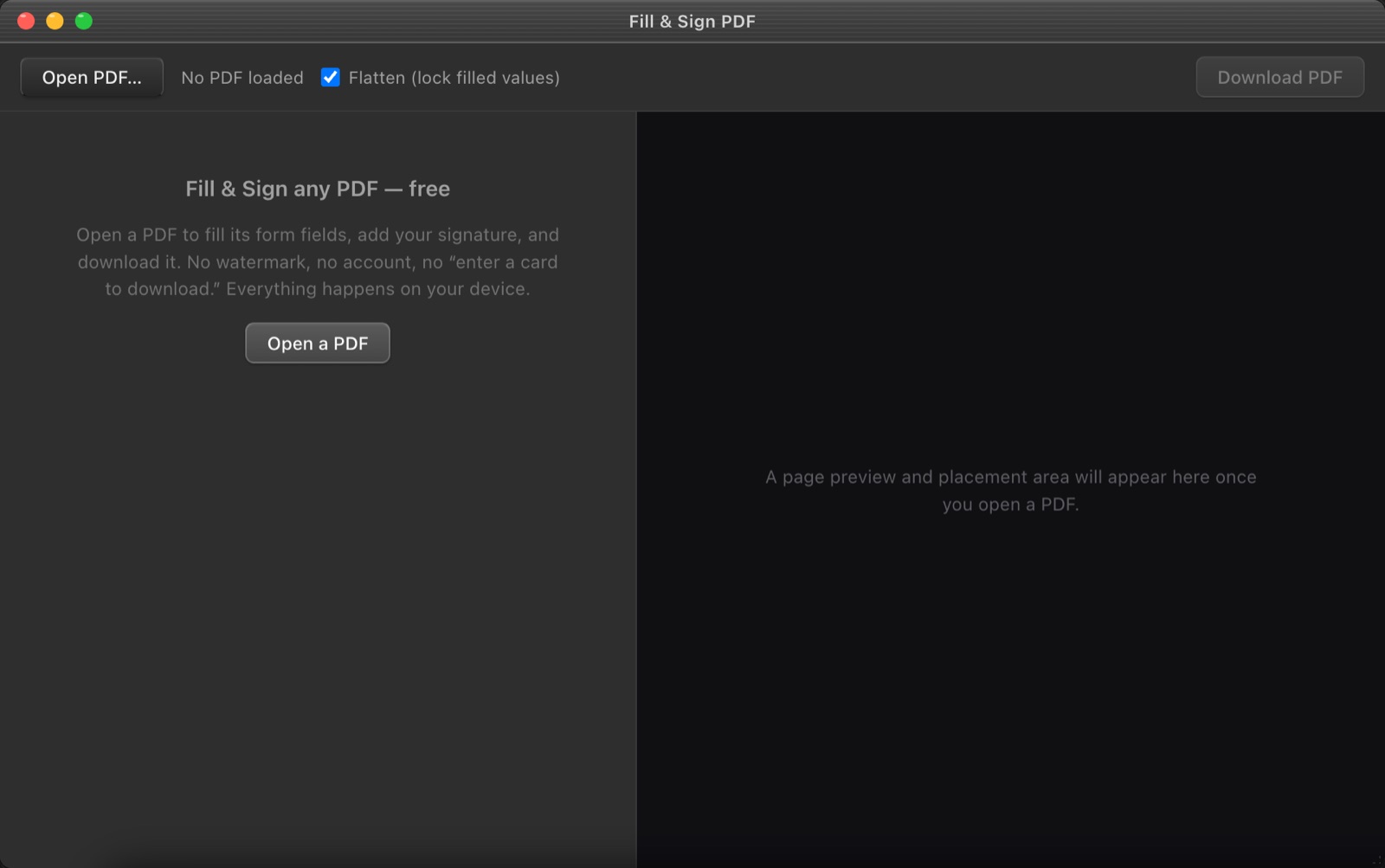
Fill in PDF forms and add your signature on this computer, then download the finished PDF.
Open any PDF in Fill & Sign and its form fields appear ready to fill in. Add a signature or place text stamps, such as a date or your initials, and drag them where you want them on the page. You can flatten the result so the values are locked in, then download the finished PDF.
In Workbench, one of 84 apps that come with DiverseConnect.
Questions about Fill & Sign PDF
Is my PDF uploaded anywhere?
No. It stays on this computer. DiverseConnect can’t reach the internet, so there’s nowhere to upload it.
What if my PDF has no form fields?
You can still draw a signature or type text, like a date or your initials, and drag it anywhere on the page. That works on flat and scanned PDFs too.
Does Fill & Sign PDF need the internet?
No. Fill & Sign PDF is part of DiverseConnect, which works with the internet switched off, so it keeps working on a plane, in a dead zone, or when the Wi-Fi is down.
How much does Fill & Sign PDF cost?
Fill & Sign PDF comes with DiverseConnect, which is $10 once for all 84 apps. No subscription, no account and no ads.