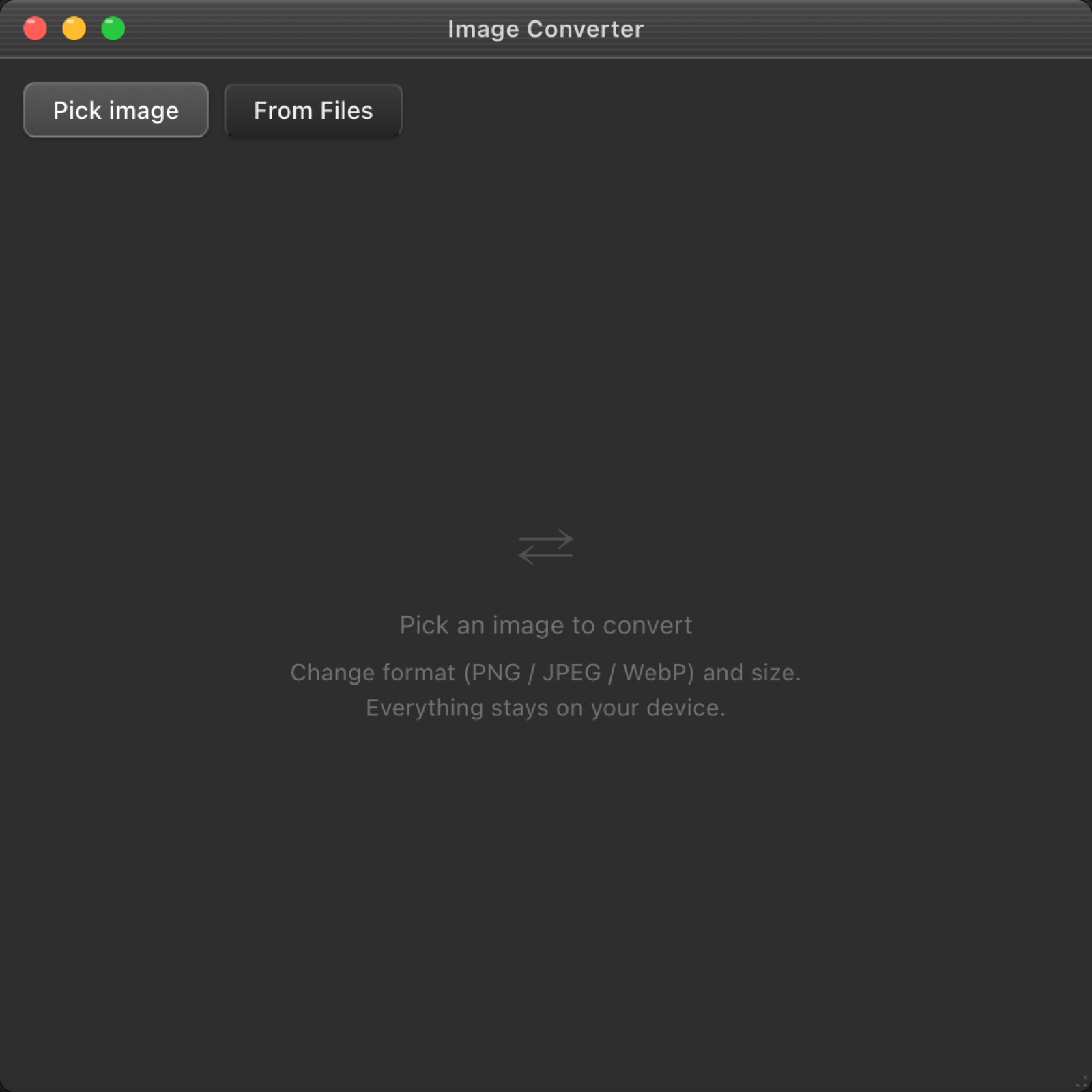
Change an image’s format and size on this computer.
Open one image and change its format to PNG, JPEG or WebP, resize it, and set the quality with a slider. When it looks right, save it to Files or download it. You can also send the result straight to the Image Compressor. Everything stays on your device.
In Code Tools, one of 84 apps that come with DiverseConnect.
Questions about Image Converter
Which formats can it convert to?
PNG, JPEG and WebP. You can resize at the same time and set the quality with a slider.
Does Image Converter need the internet?
No. Image Converter is part of DiverseConnect, which works with the internet switched off, so it keeps working on a plane, in a dead zone, or when the Wi-Fi is down.
How much does Image Converter cost?
Image Converter comes with DiverseConnect, which is $10 once for all 84 apps. No subscription, no account and no ads.