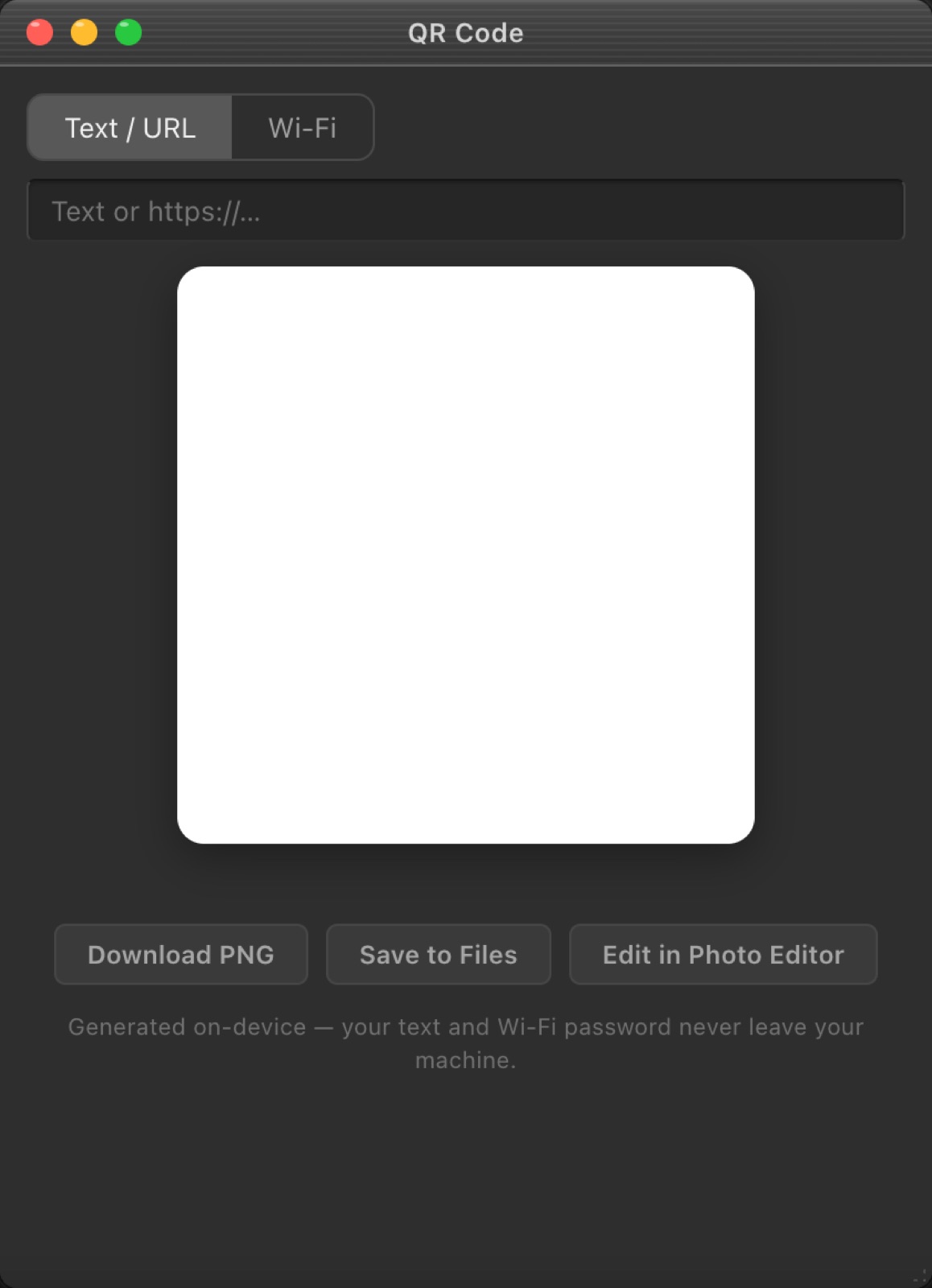
Make a QR code for a link, some text or your Wi-Fi, without a website.
Make a QR code from any text or link, or from Wi-Fi details: network name, password and security type. Choose the size and colors, then download a PNG, save it to Files, or open it in the Photo Editor. The code is generated on your device.
In Code Tools, one of 84 apps that come with DiverseConnect.
Questions about QR Code
Can it make a Wi-Fi QR code?
Yes. Enter the network name, password and security type. It’s made on this computer, so your Wi-Fi password isn’t typed into any website.
Does QR Code need the internet?
No. QR Code is part of DiverseConnect, which works with the internet switched off, so it keeps working on a plane, in a dead zone, or when the Wi-Fi is down.
How much does QR Code cost?
QR Code comes with DiverseConnect, which is $10 once for all 84 apps. No subscription, no account and no ads.